Login
When you run Cardiovascular Suite, you are asked to login with a Username and Password. Please enter your Username and Password, then click on the Login button to access the software.
When you first run Cardiovascular Suite, the default user account is:
Username: admin
Password: admin
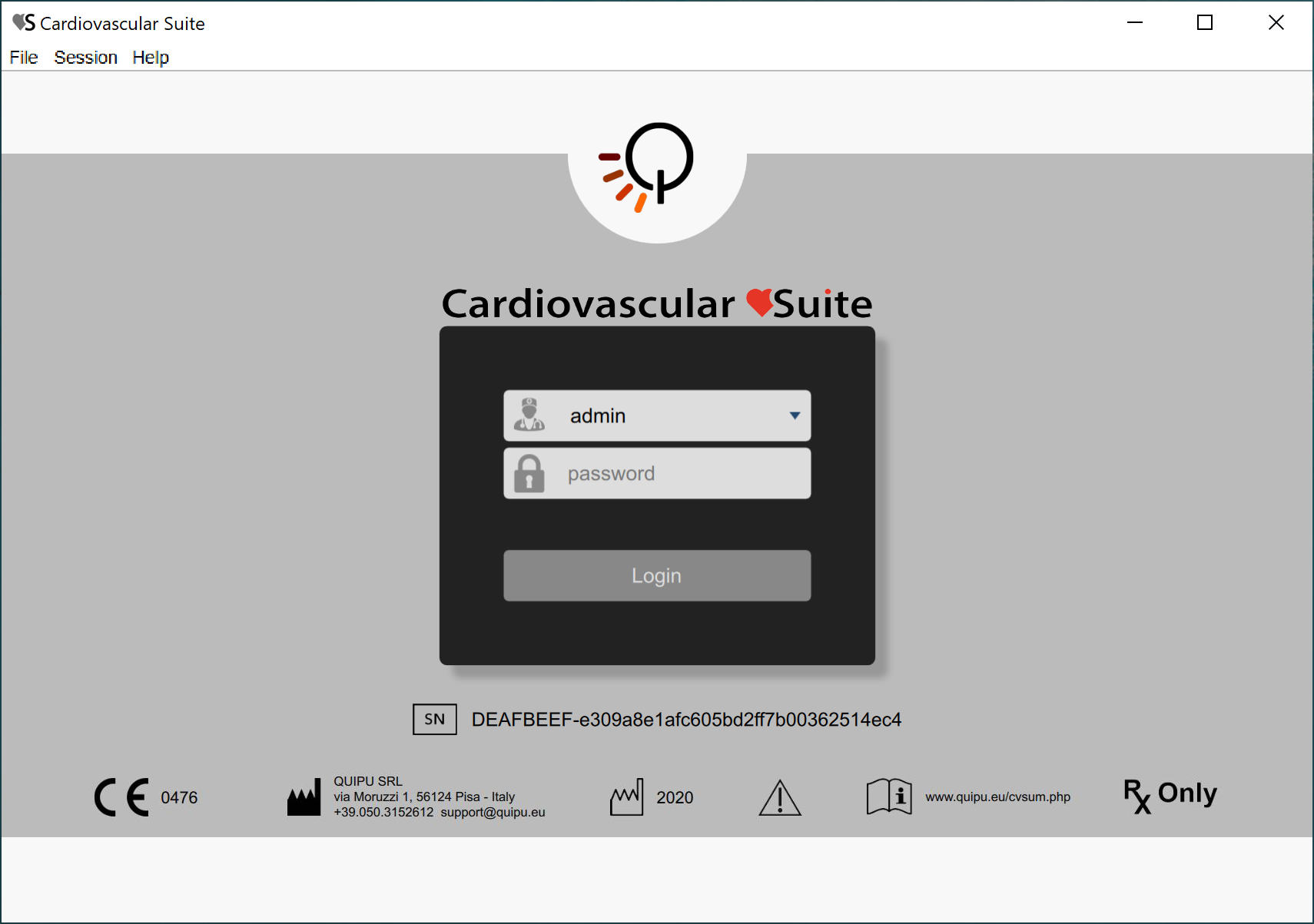
In the lower part of the Login window, the labeling of the device is shown.
In particular, on the right of the
 symbol you can find the
Serial Number
Unique Device Identifier
of your software.
Operators
A user account (username and password) is associate to each operator of Cardiovascular Suite (an operator is a person who uses Cardiovascular Suite). When the software starts, the operator must login with its user account.
Two classes of operator are available in Cardiovascular Suite:
Users. They have full access to the software.
Read-only users. These users can only read the archive and the documents.
An operator is characterized also by a status that can be active or disabled. If an operator has been disabled, he/she cannot access to the software.
It is possible to modify a user account and to add a new one in the Operators management panel.