Tags
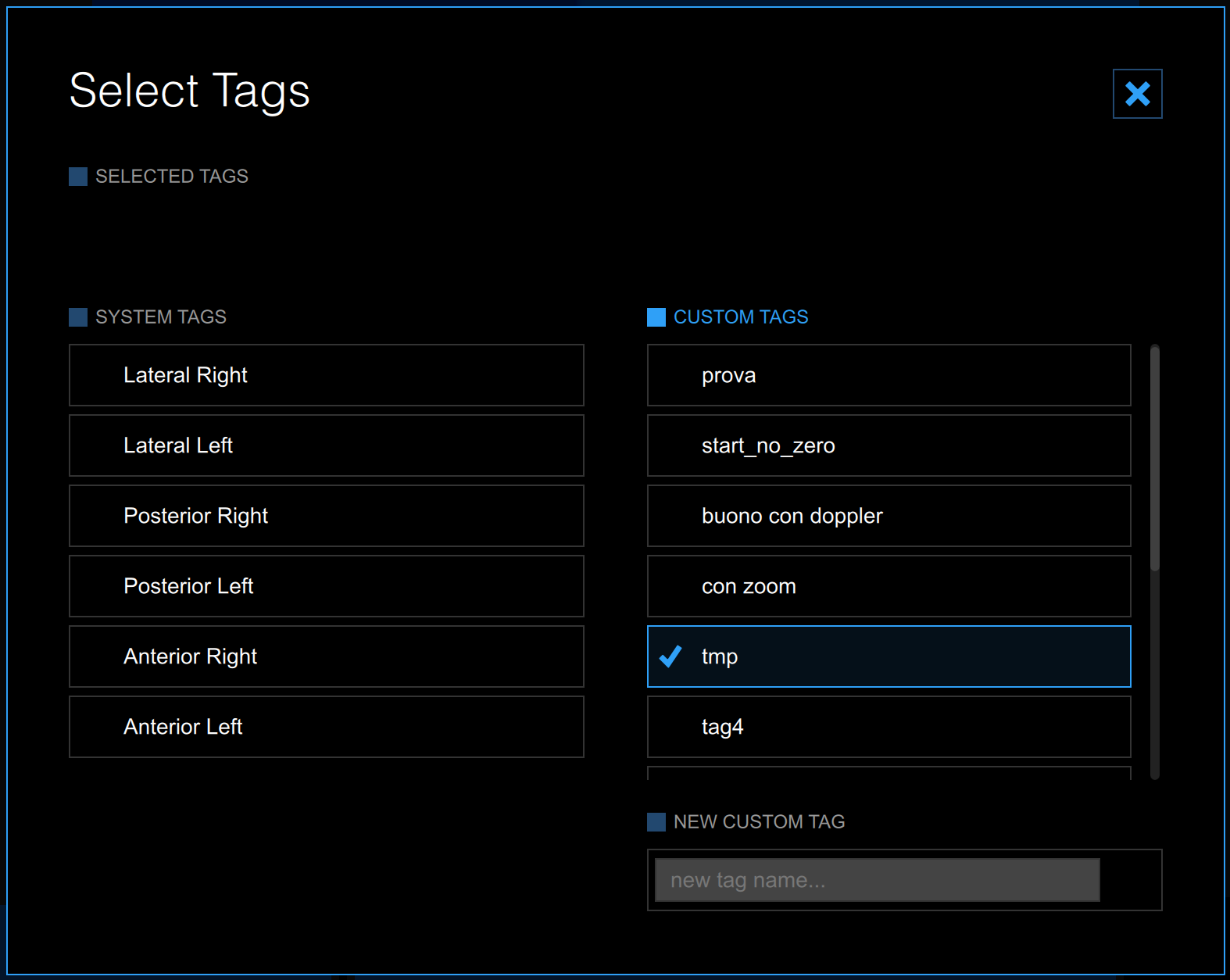
The Tags Management
 button opens a panel that allows you to associate a tag to the document, or create a new tag. Carotid Studio uses two types of tags:
System tags, which are already defined in Cardiovascular Suite. System tags are used to specify which segment of the carotid artery is analysed, and are necessary to include the document data in the study report. Only one system tag can be associated to a document.
Custom tags, which are defined by the user and are used to better identify a document.
Custom tags can also be managed through the Tags management into the Archive.