Presets
The preset management button  opens the preset management panel that allows to manage presets. In particular, it allows to remember the settings of:
timeline (baseline, ischemia and vasodilation)
B-mode image calibration
B-mode image ROI (size and position)
Doppler calibration (X and Y calibration)
Doppler ROI (size and position)
Doppler sensitivity
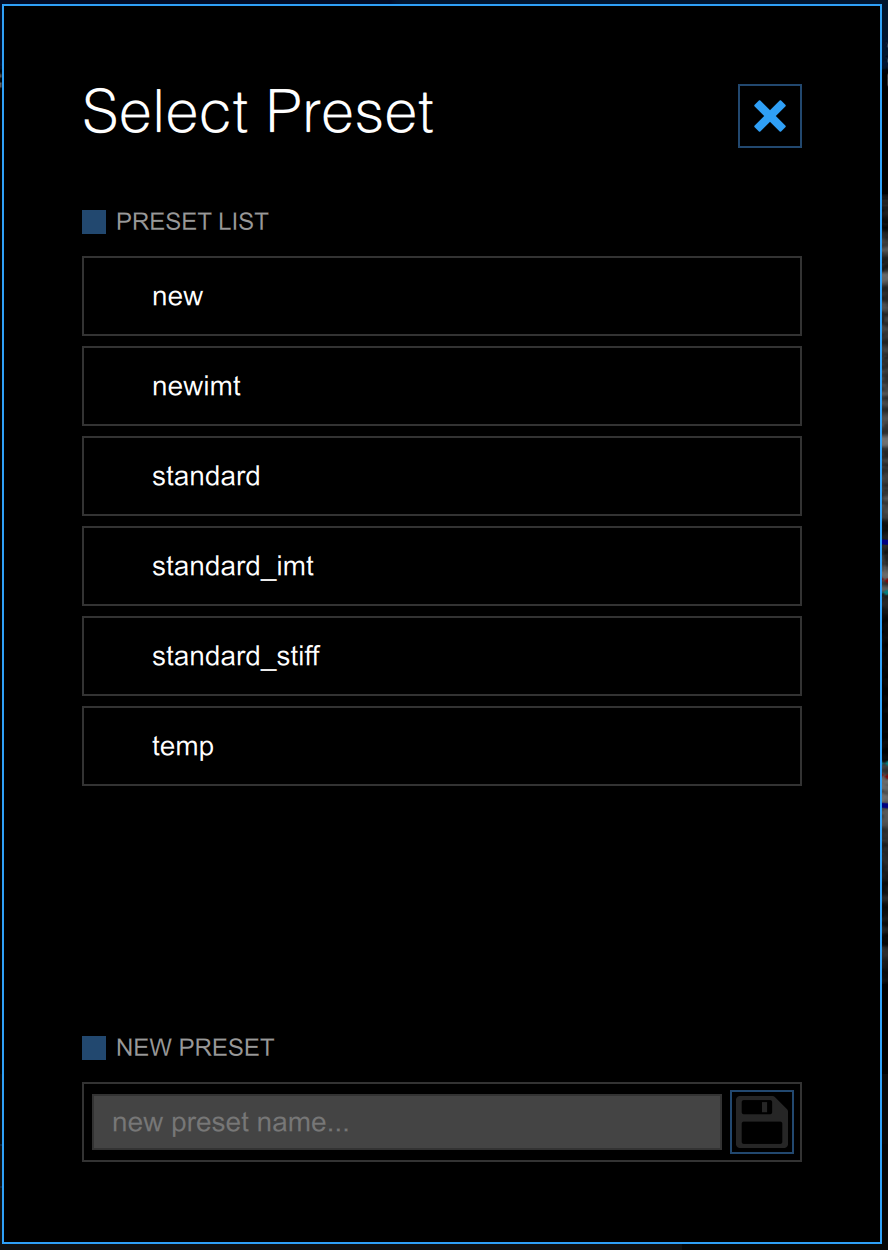
Once saved, a preset can be applied to any FMD Studio study.