Calibrate the B-mode image
T he calibration of the B-mode images must be done before starting a new examination because it is necessary to provide information about the size of the image generated by ultrasound system. The calibration factor changes depending on the settings of your ultrasound machine. You should check the calibration at each new examination.
CAUTION: the lack of calibration can generate a software malfunction.
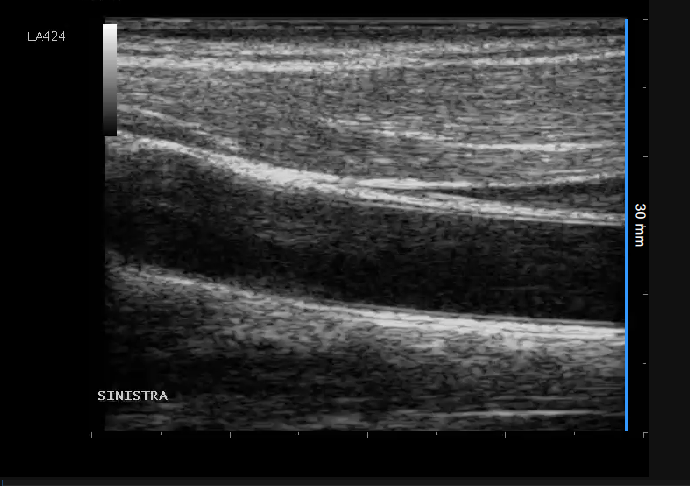
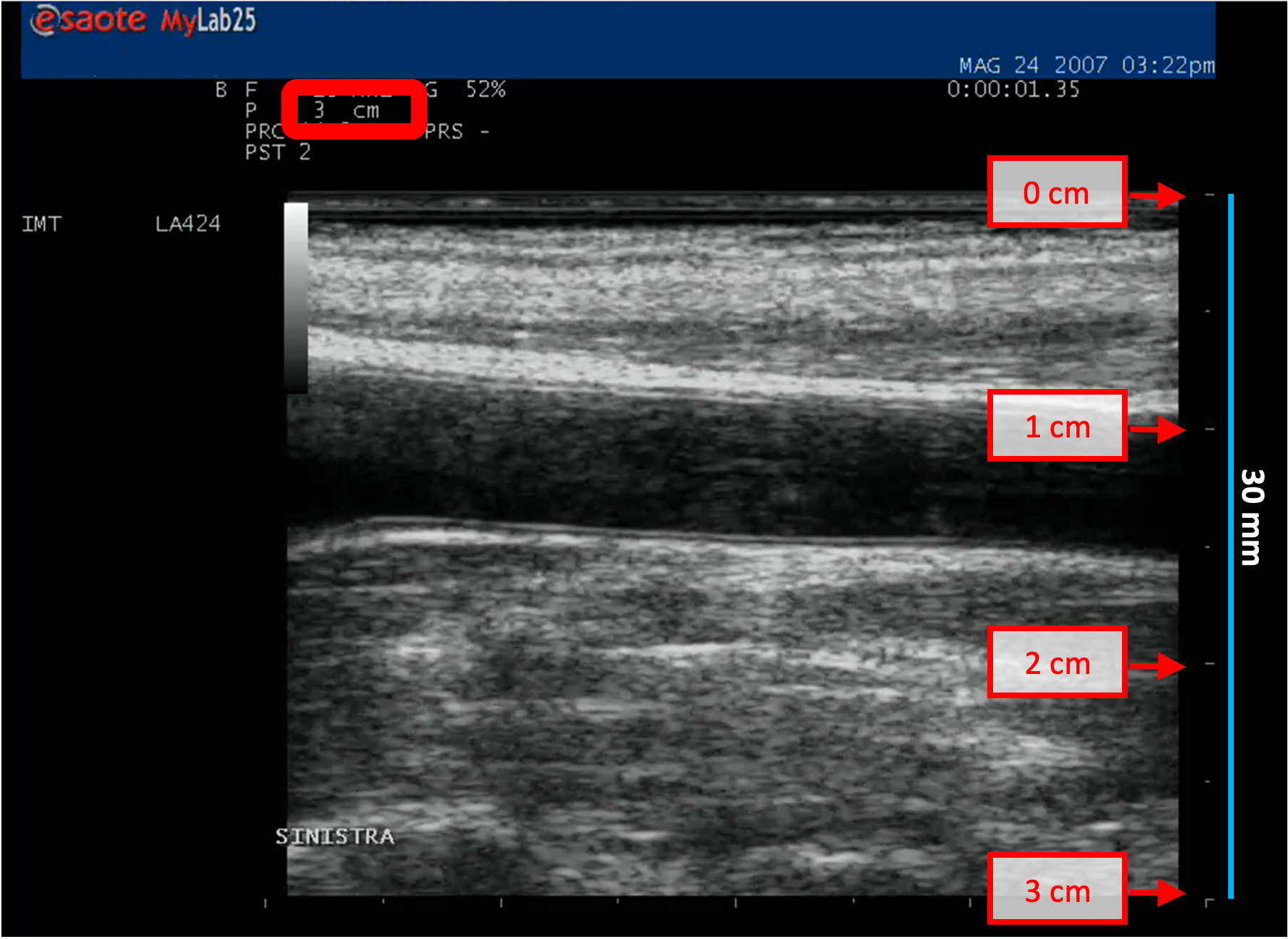
Locate, in ultrasound image, a range of known distance (30 mm in the example of figure).
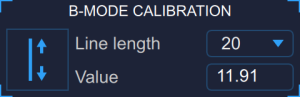
In the Setup Panel, B-Mode Calibration, select the distance value in the drop-down menu.
In the Setup Panel, B-Mode Calibration, click the Trace the Line
 button.
Trace a line on the image corresponding to the known distance: click on one end and drag the mouse to the other extreme (press the Shift key or CTRL Shift keys on your keyboard if you want the line to be not vertical or horizontal).
For DICOM files, when present, the B-mode calibration is be obtained automatically by the file metadata (see Settings). You can anyhow modify the calibration value.
You can directly type the calibration value in the Calibration factor field of the B-mode setup panel if you already know the value.
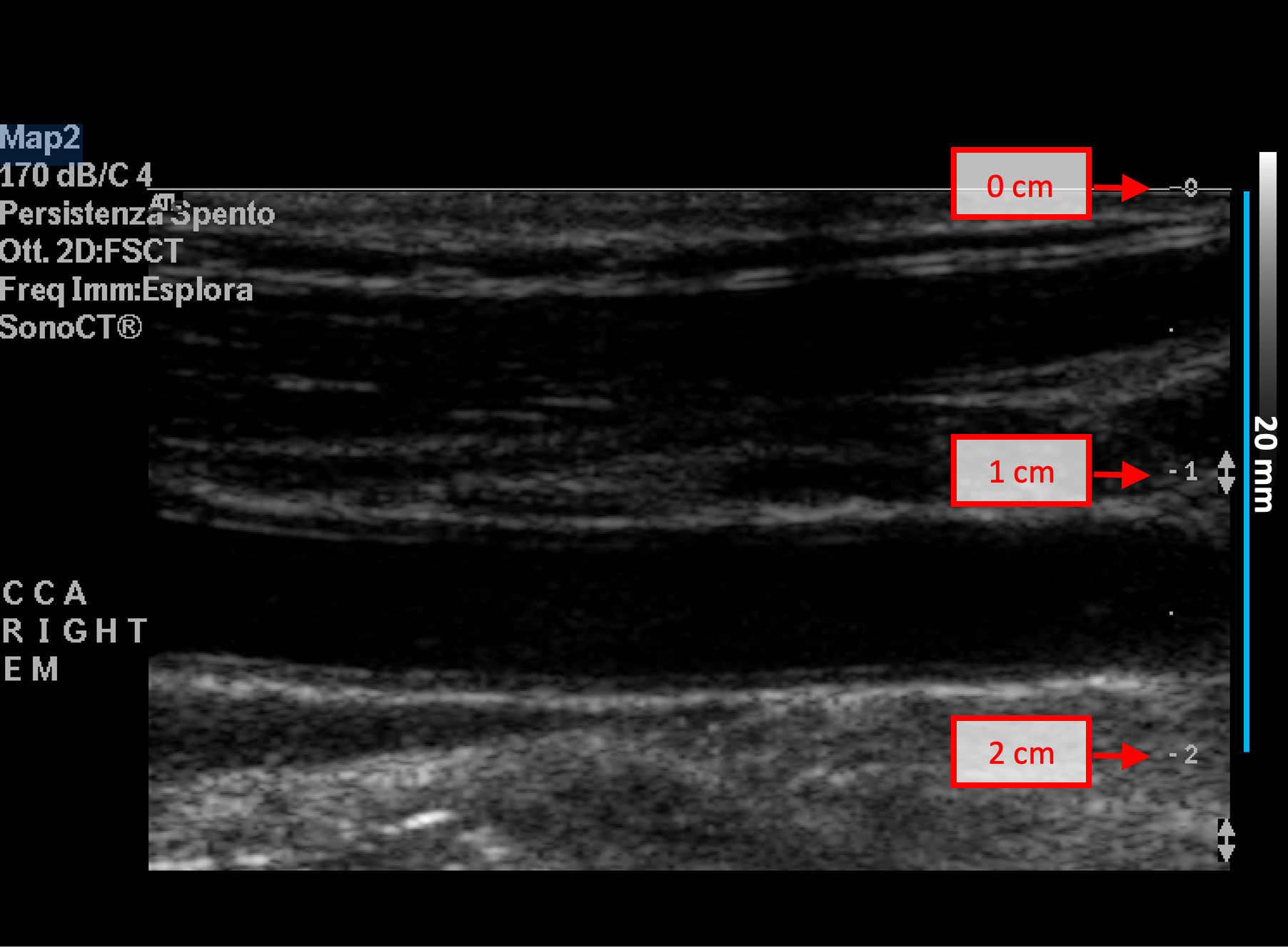
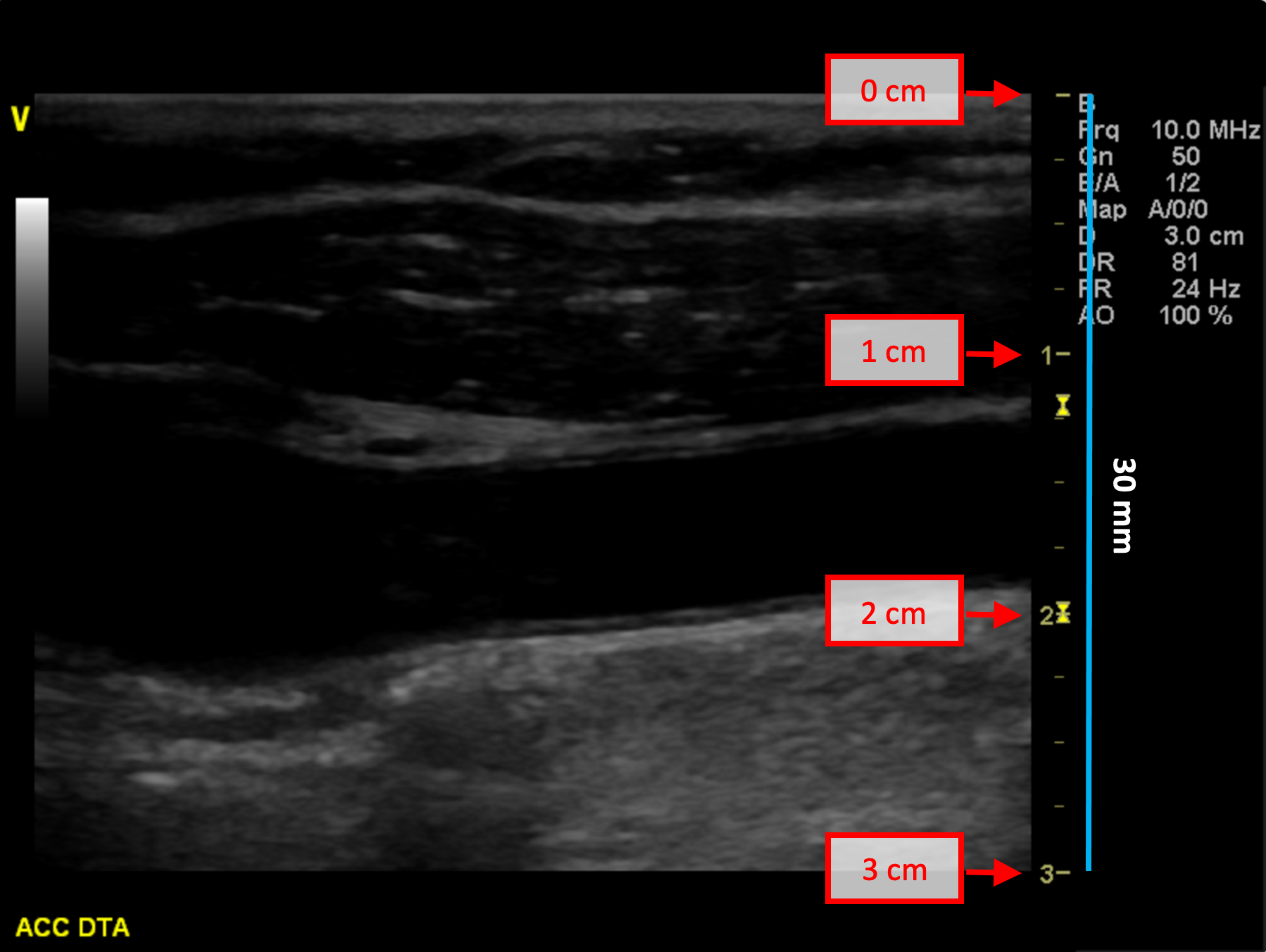
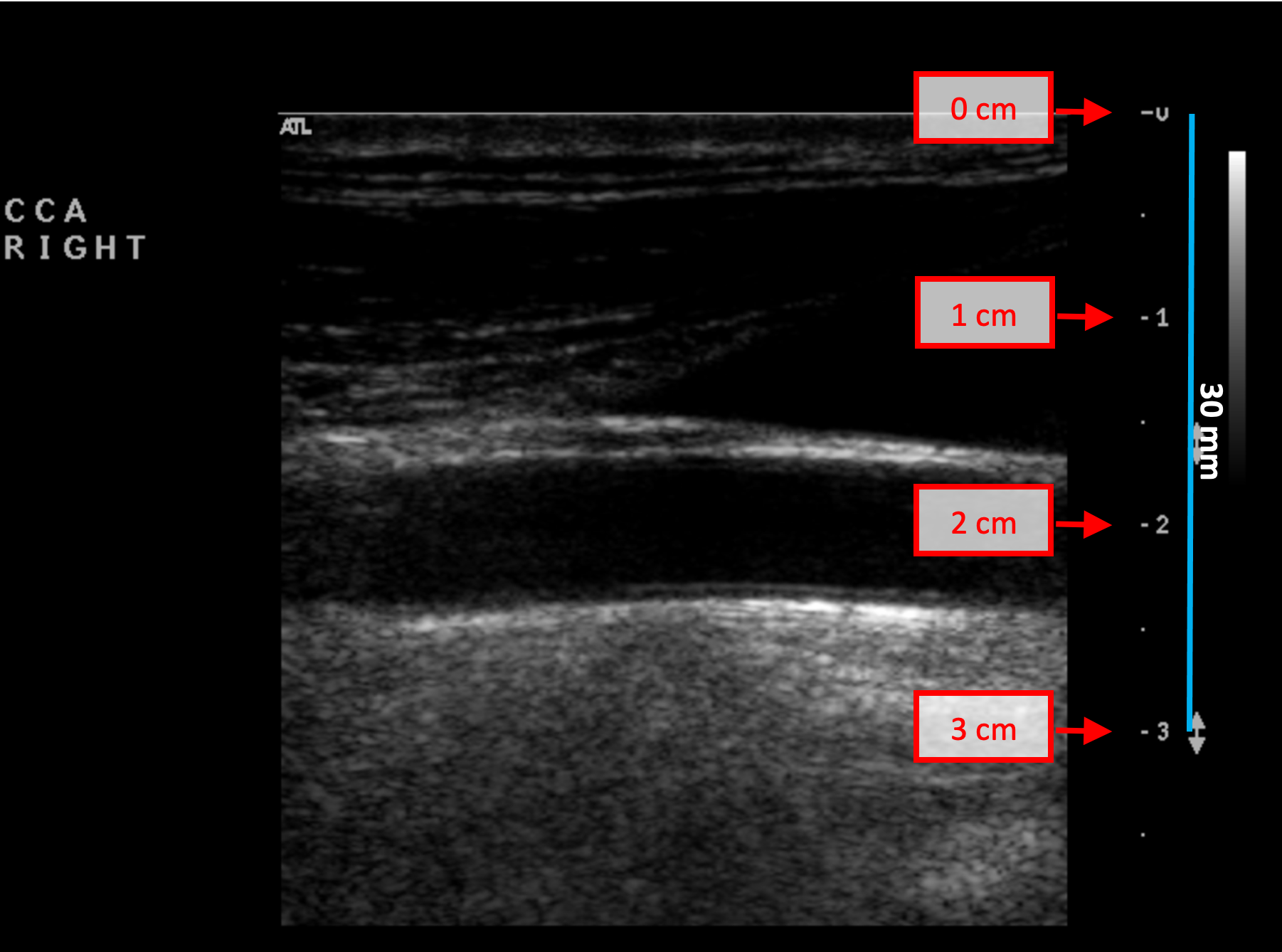
B-mode calibration examples
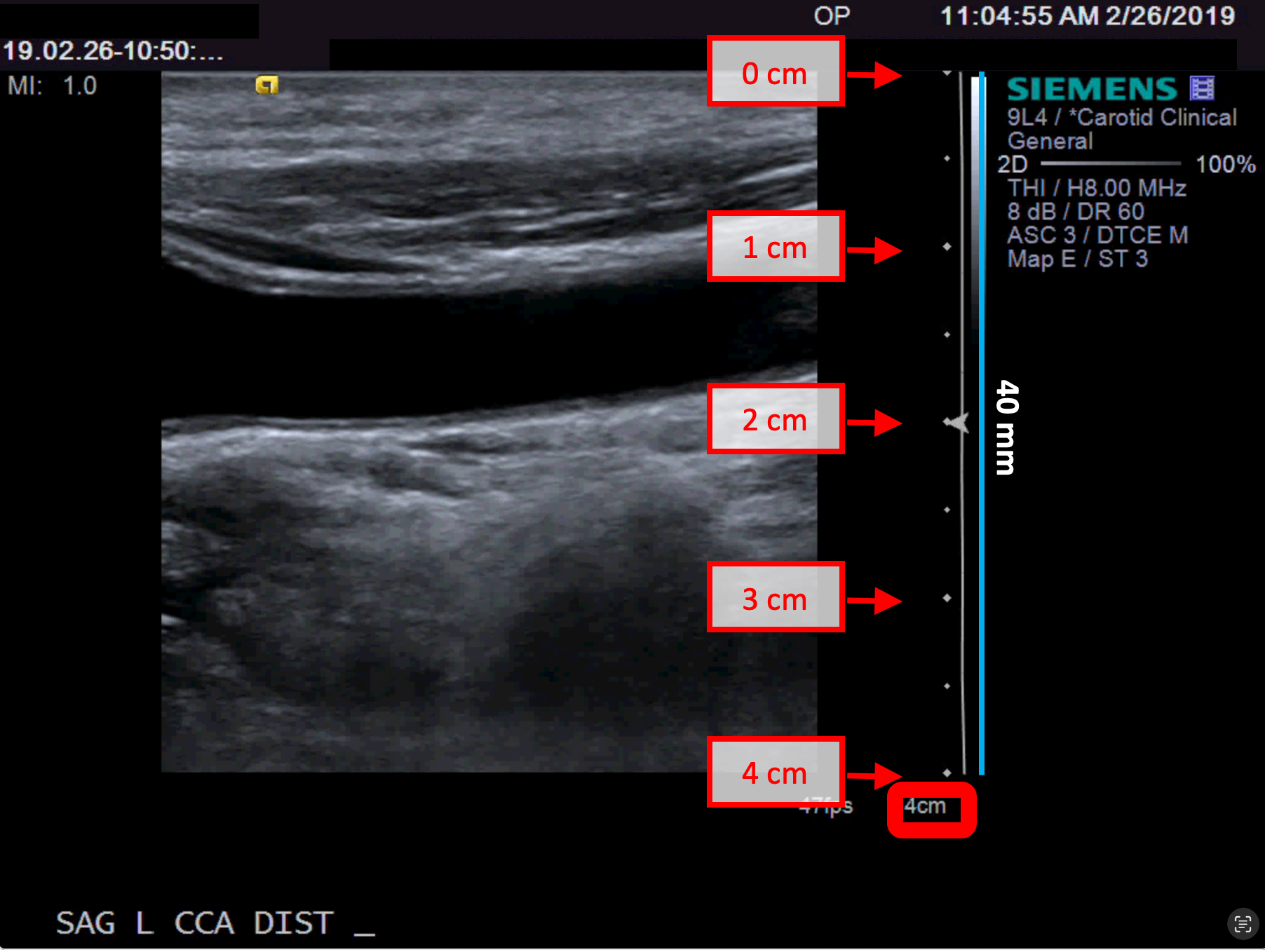
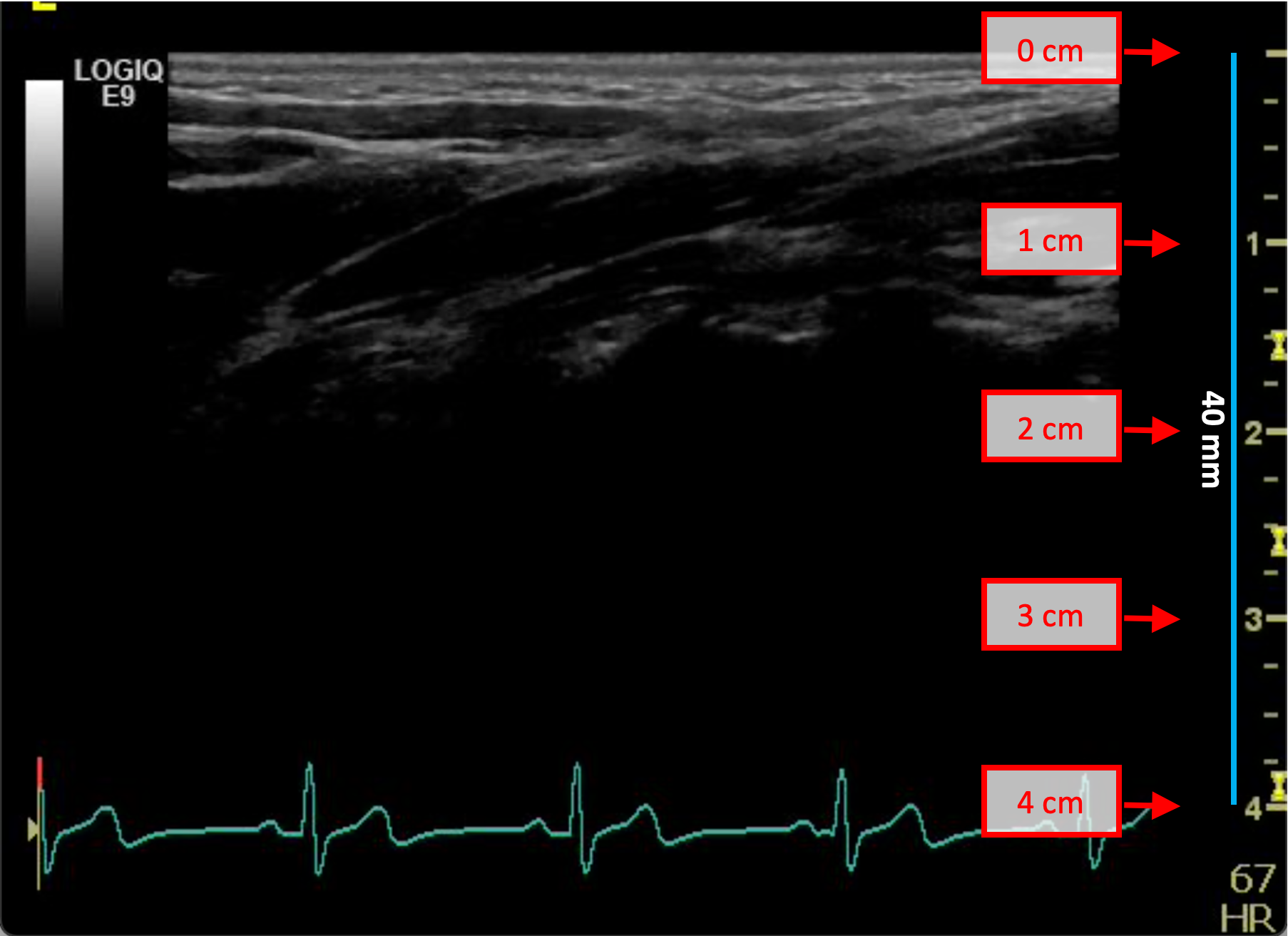
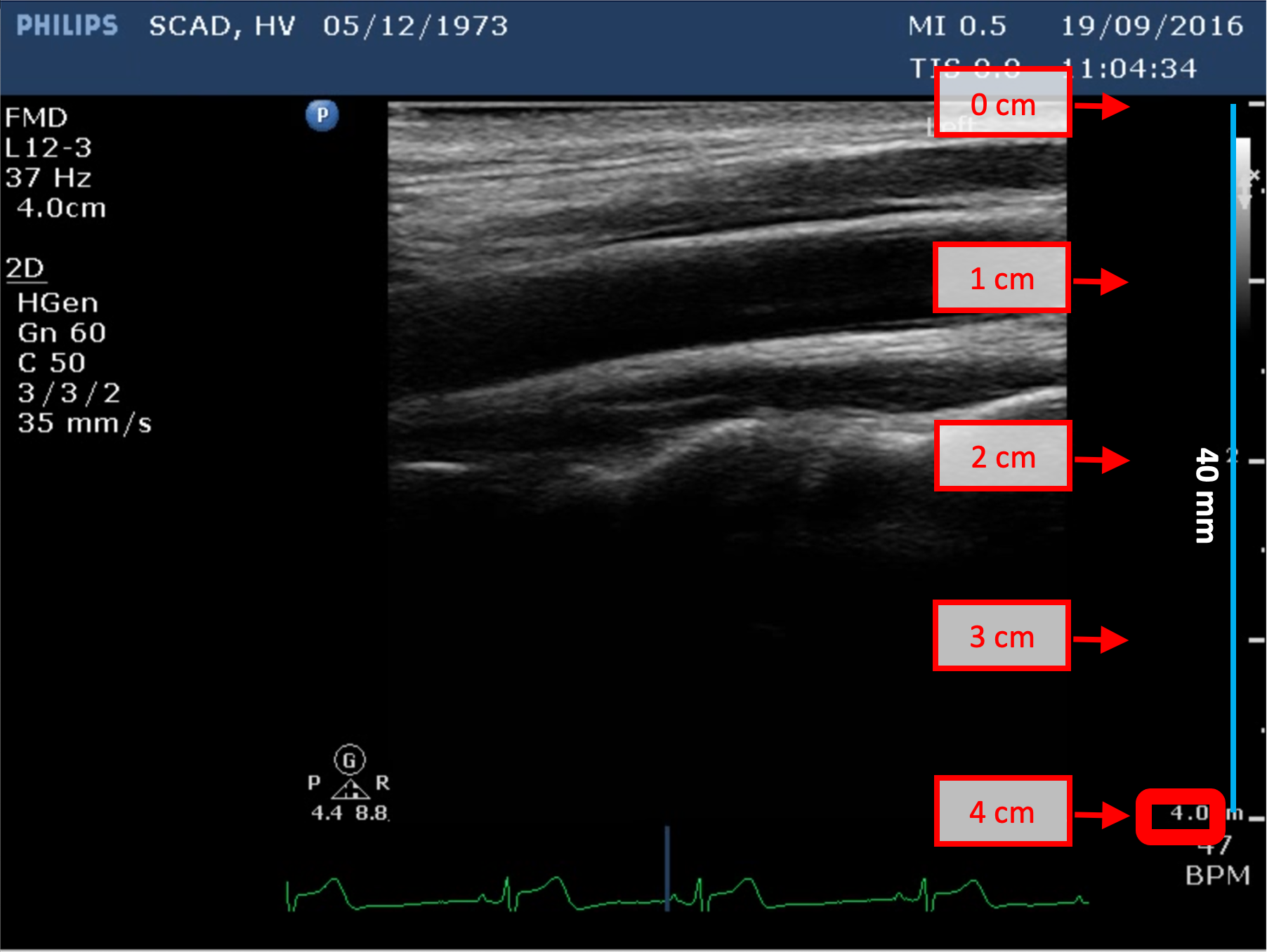
The following images show examples of calibrations of the b-mode image. Graphic items in red shows where you can find the information about the depth of the image in the ultrasound image.