Institutes management
The Archive Institutes section allows you to manage the Institutes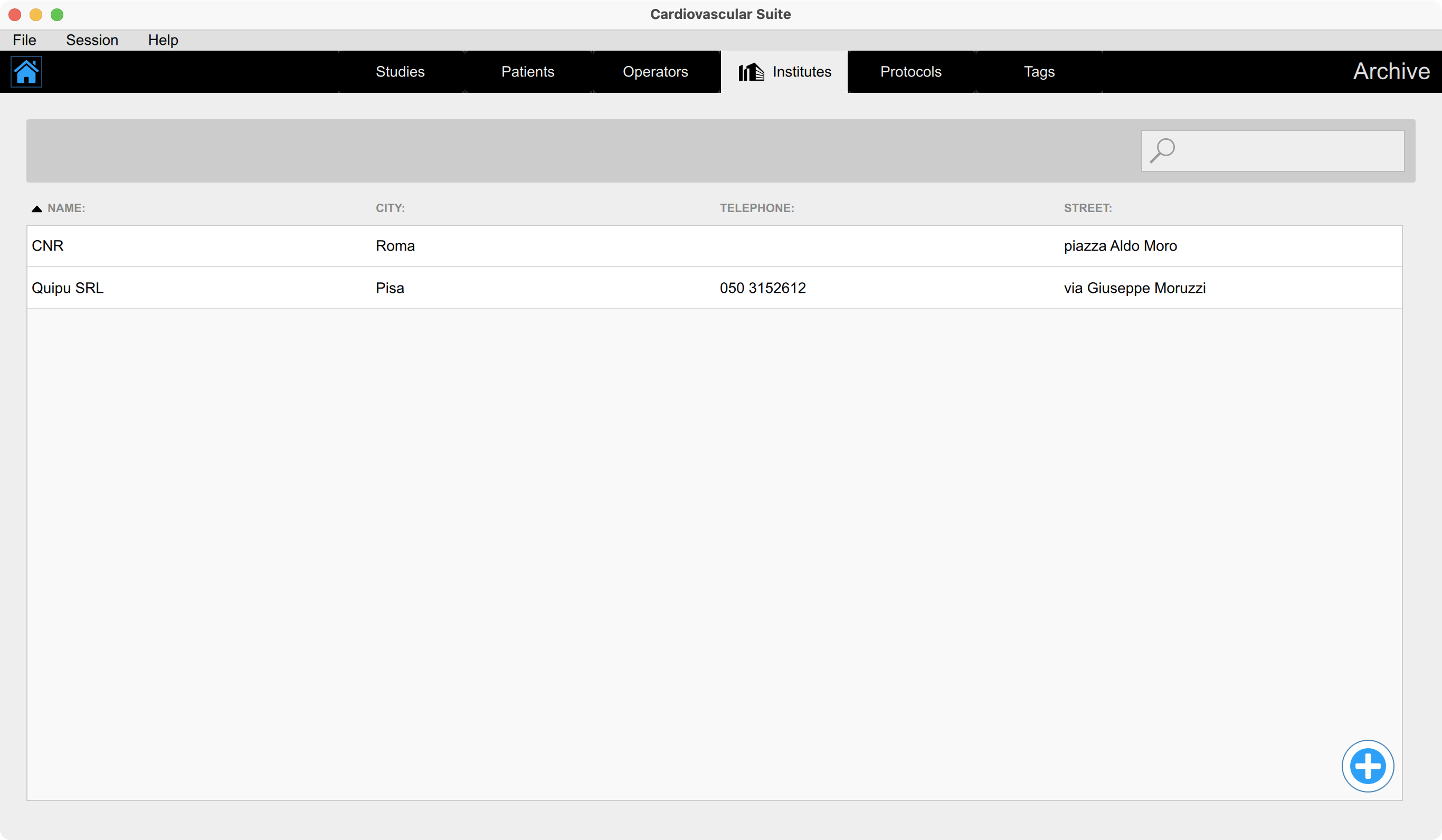
Adding a new institute
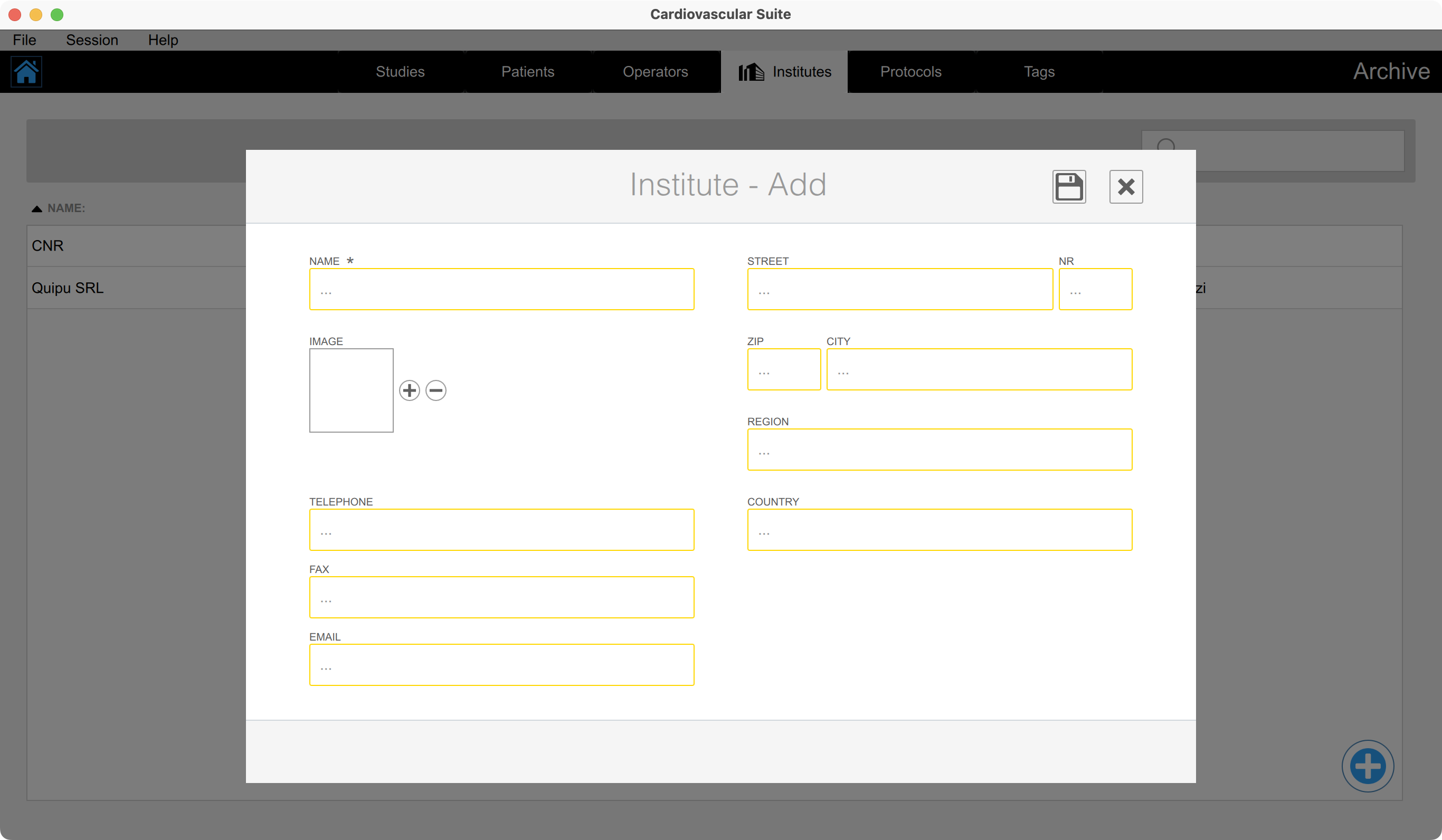
Click on the Add
 button for adding a new institute.
Enter the institute data. The mandatory field (Name) has an asterisk.
Click on the Save
 button to save the institute data.
Editing an institute
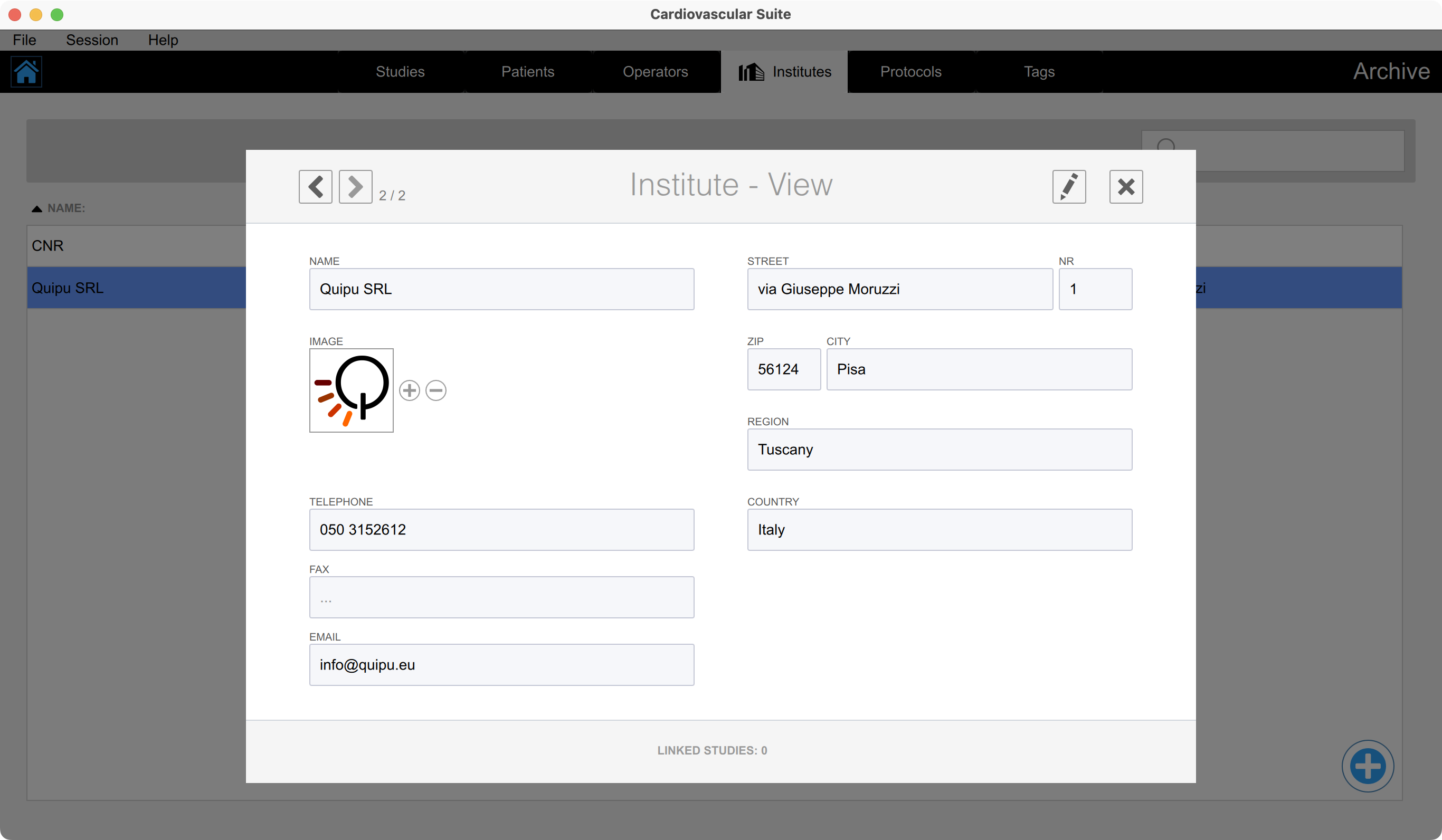
Double click the institute to be modified. The Institute View windows will open.
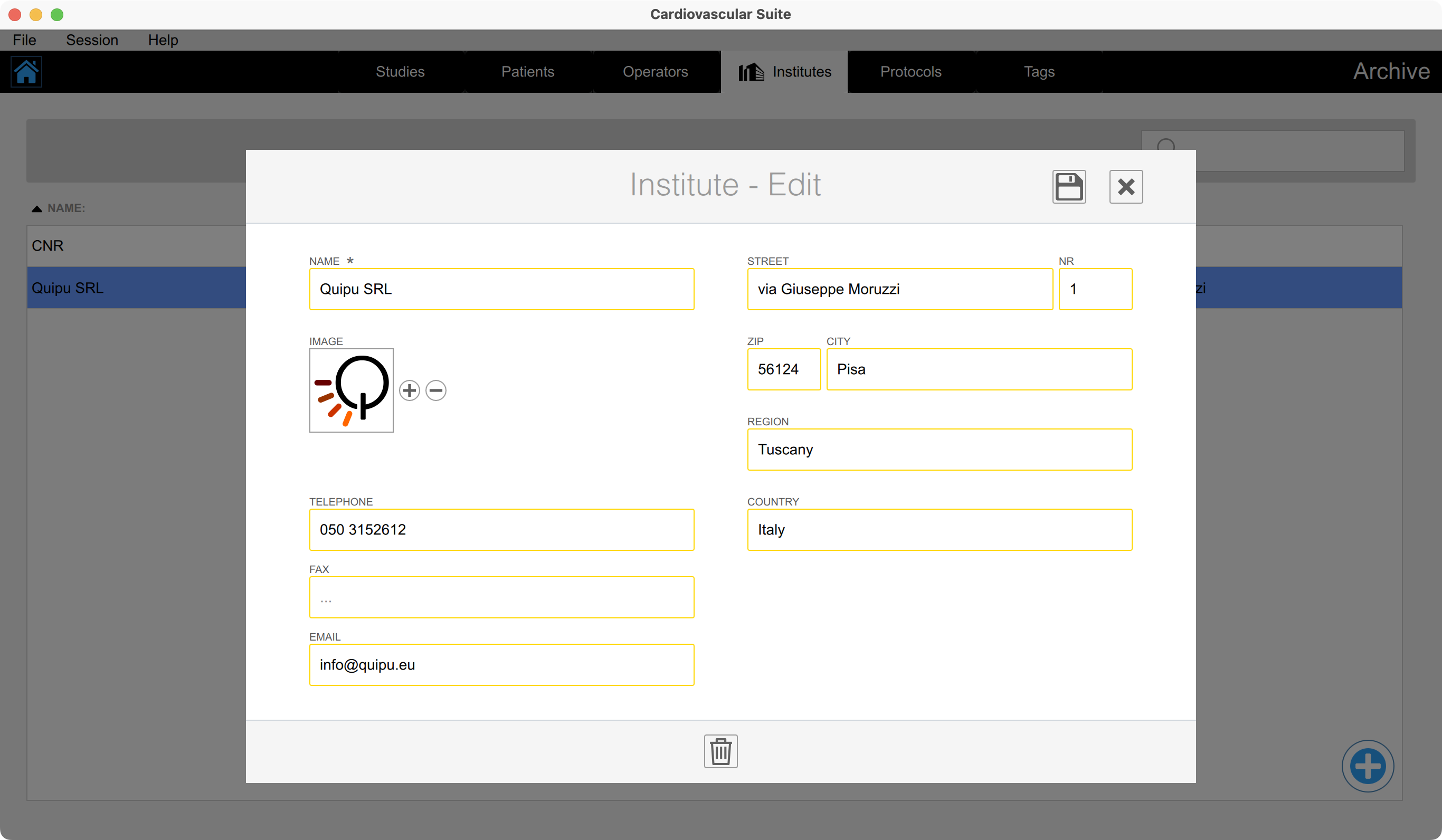
Click on the Edit
 button.
Modify the institute data.
Click on the Save
button to save the data.
Deleting an institute
Double click the institute to be modified. The Institute View windows will open.
Click on the Edit
button.
Click on the Delete
 button.
You cannot delete an institute that is associated with existing studies.