General settings
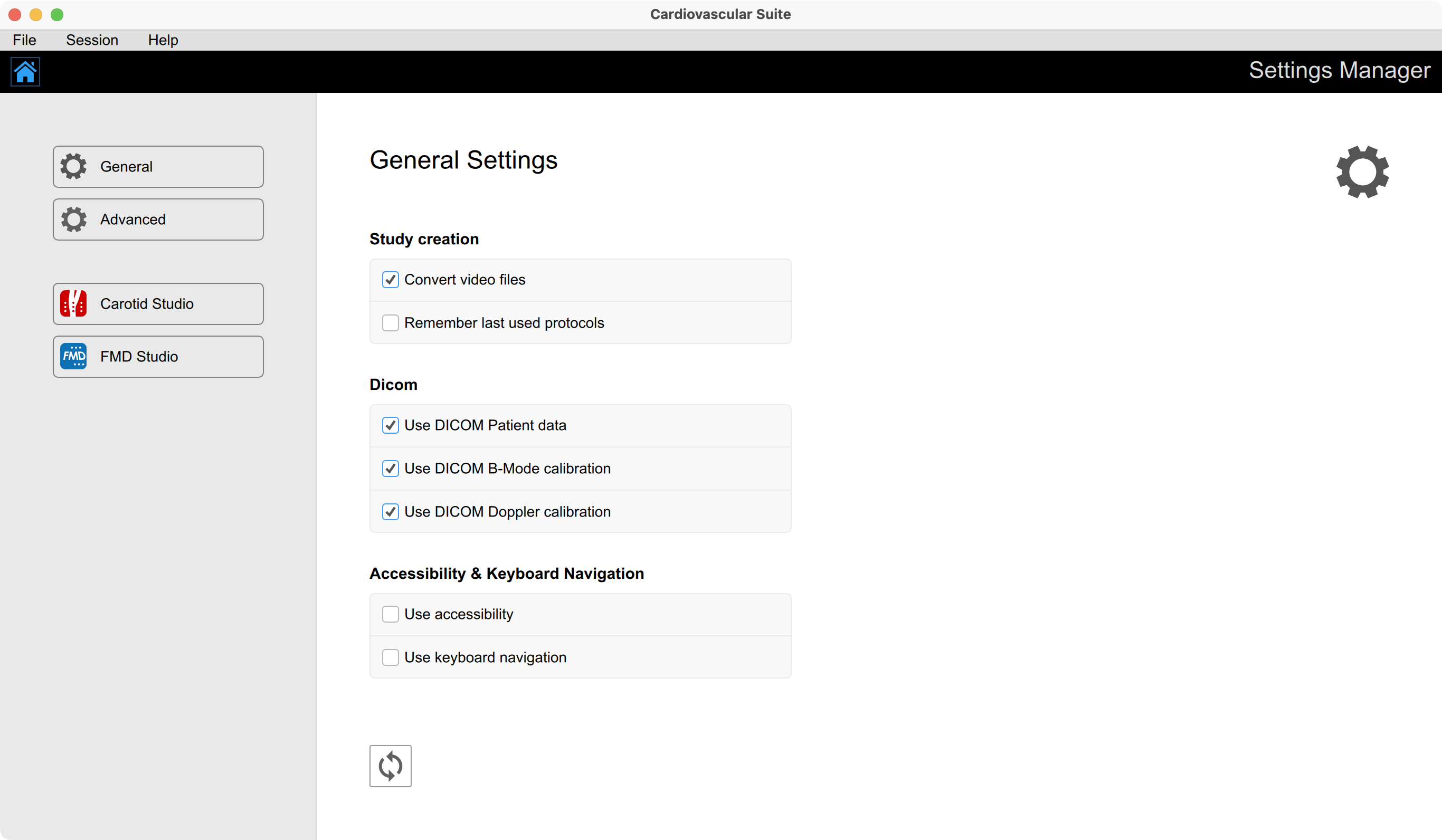
The following settings are available:
Study Creation
Convert video files: if set, when creating a new study, the file is converted and optimised for the analysis.
Remember last used protocol: if set, when creating a new study, the study will be associated by default with the last used protocol.
Dicom
Use DICOM Patient data: if set, when opening a DICOM file, the patient data are obtained from the file metadata.
Use DICOM B-mode calibration: if set, when opening a DICOM file, B-mode calibration is obtained from the file metadata.
Use DICOM Doppler calibration: if set, when opening a DICOM file, Doppler calibration is obtained from the file metadata.
Accessibility & keyboard Navigation
Use accessibility: enable accessibility resources.
Use keyboard navigation: enable the navigation by using the keyboard.
Every time a change is performed, the software automatically saves it. Click the Restore  button to restore the default options.