Creating a new study
In the Home screen, click the Carotid Studio or the FMD Studio button start a new study.

Selecting the source
Click the "SOURCE" button to select the source of the analysis.
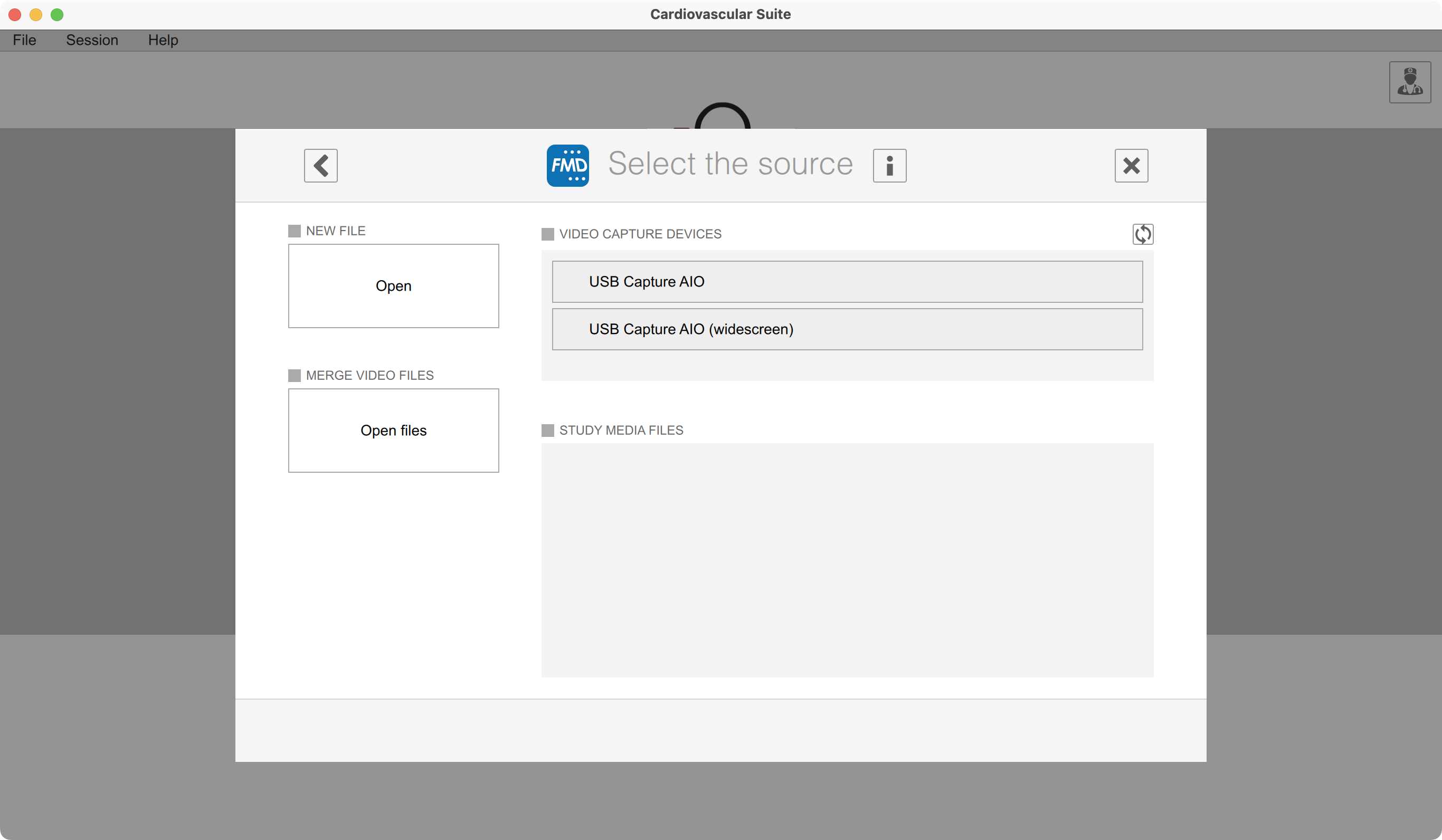
You can choose one of the following sources:
A new file. This can be a DICOM file, video in all the most common video formats (AVI, MOV, MP4, ..), or an image in all the most common image formats (JPG, PNG, TIFF, GIF, BMP, ..).
More video file to be merged. Use this option if you have a video that is split in more than one file. With this option you will merge the files in a single video that will be analysed.
A video capture device. If you have a video capture device connected to the computer, this will be shown in the list of device. You can use this option for online analysis.
Study media file. You can choose this option to re-analyse a file that has been already imported in the study.
Selecting the patient
Click the "PATIENT" button to select the patient of the study.
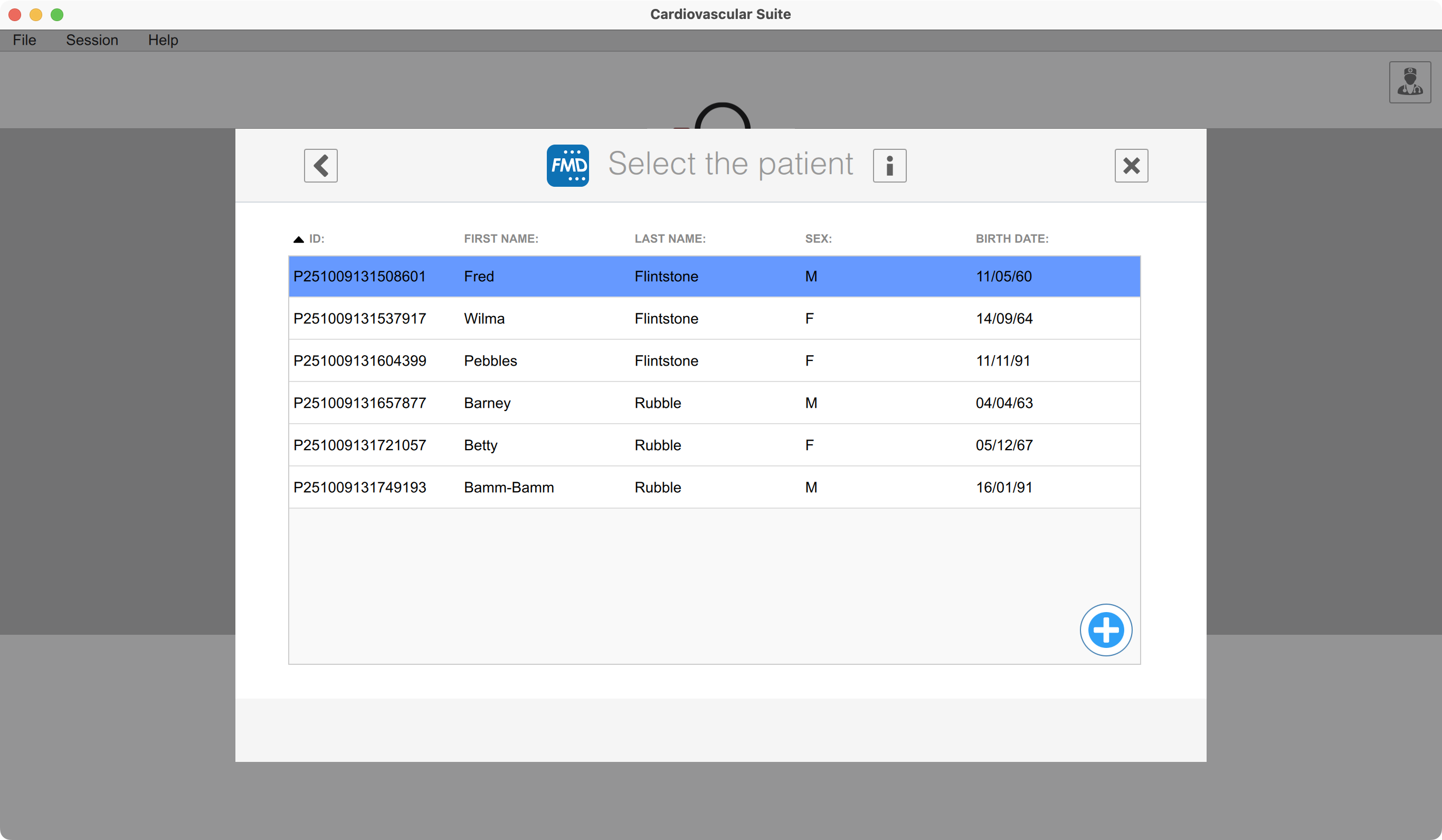
You can choose among the patients already in the archive, of create a new patient with the Add  button.
Selecting protocols
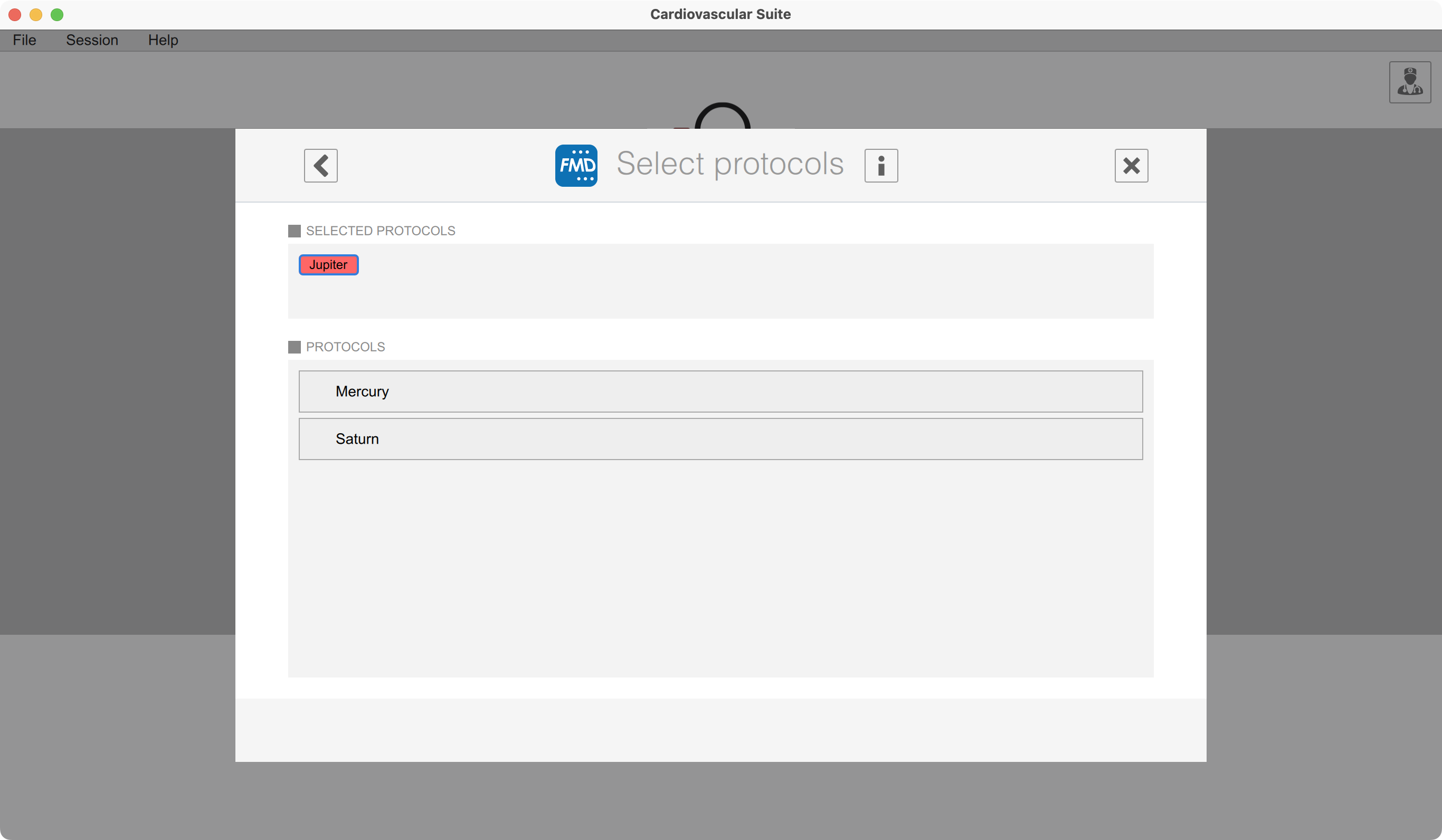
Click the "PROTOCOLS" button to associate one or more protocols to the study.
Selecting the institute
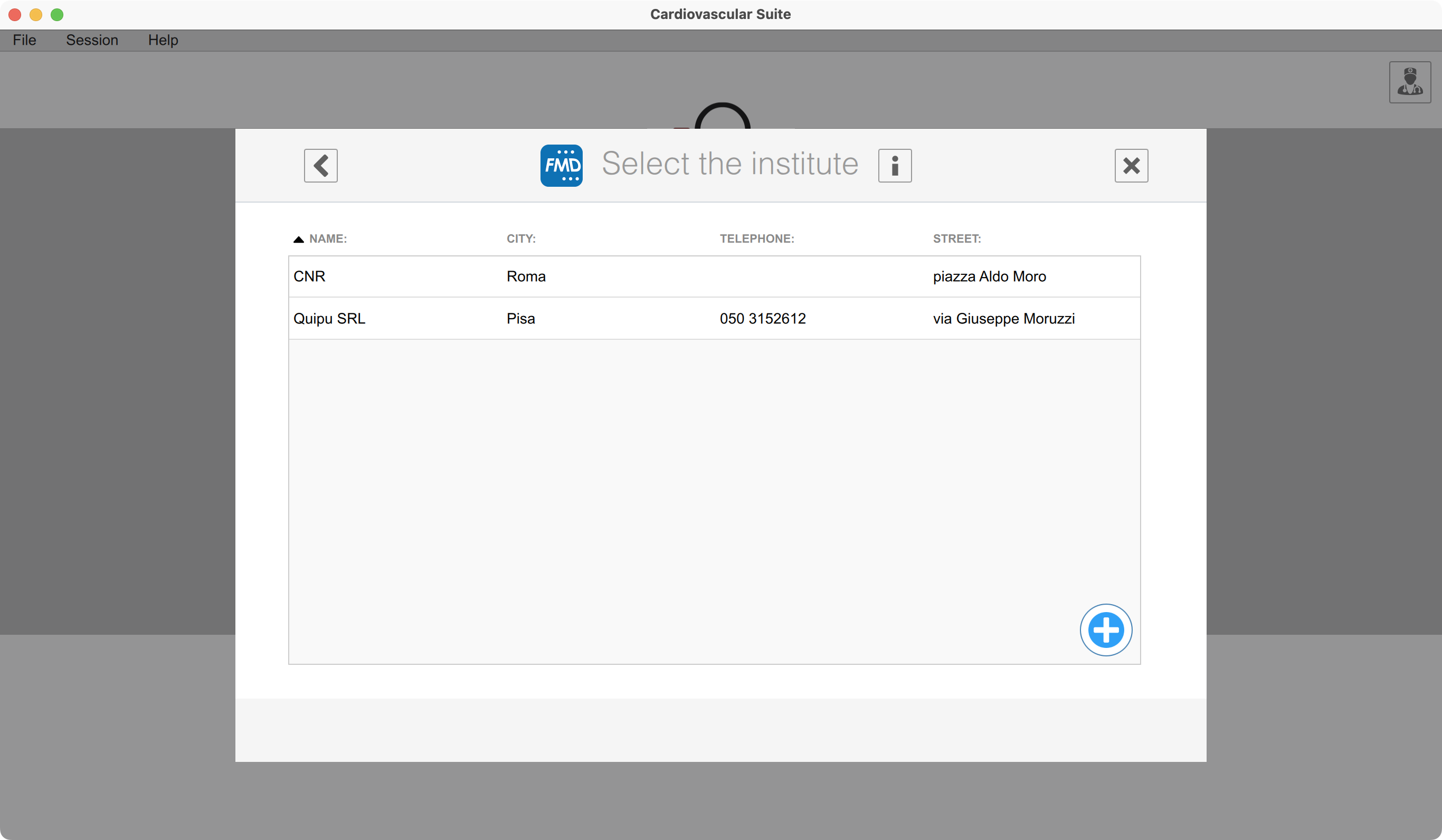
Click the "INSTITUTE" button to select the institute of the study.
Starting the analysis
Click the Start the study  button to create the study and start the analysis.